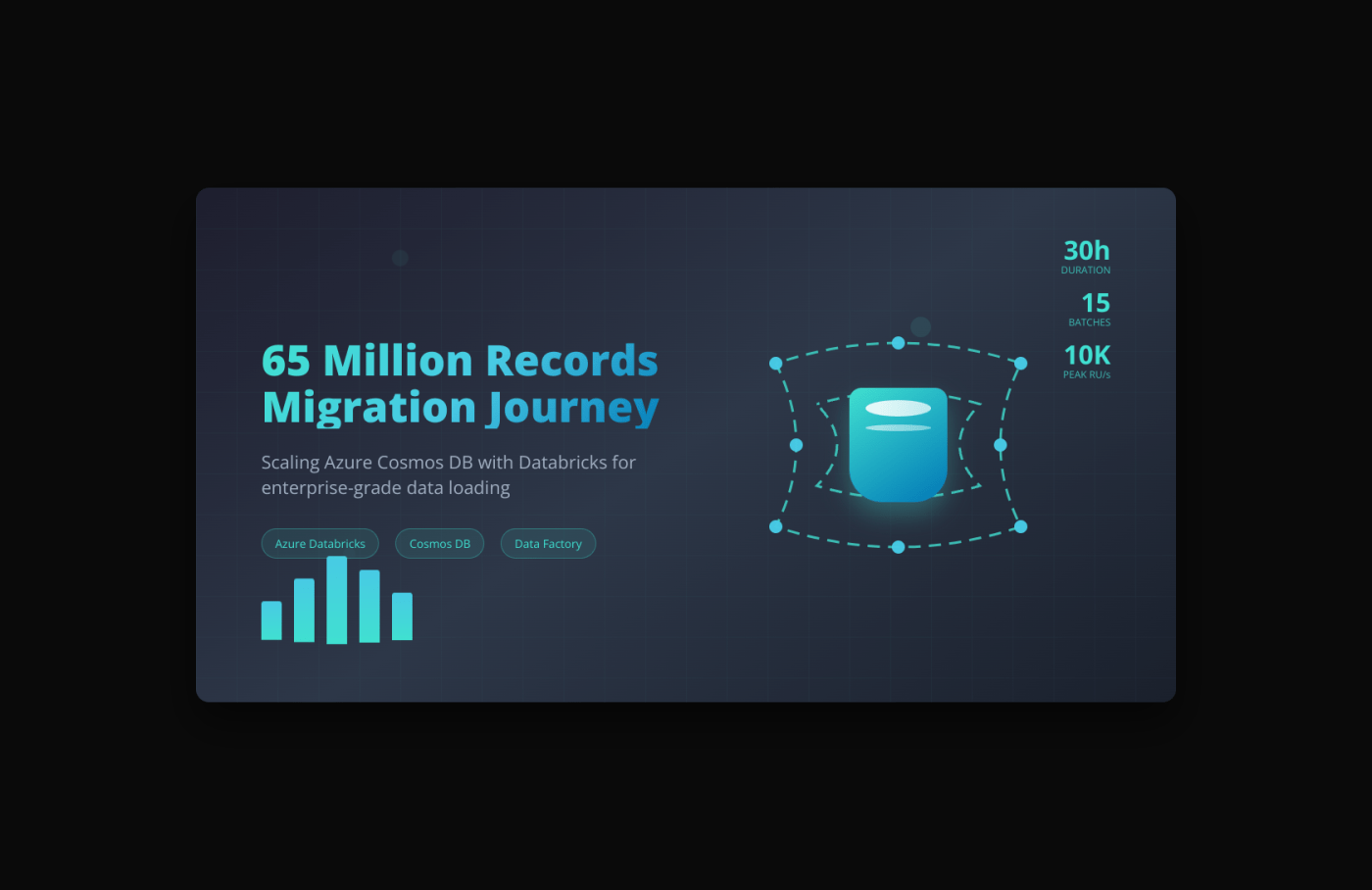
Data migrations at scale can be daunting, especially when dealing with tens of millions of records. Recently, our team tackled the challenge of loading 65 million rows into Azure Cosmos DB using Databricks, and I wanted to share our approach, challenges, and lessons learned from this weekend-long adventure.
The Challenge
We received a massive dataset from an external vendor containing 65 million records that needed to be loaded into our Cosmos DB instance. With our standard configuration of 1000 RU/s, we quickly realized this would take days to complete – not exactly ideal for our business requirements.
Our Data Pipeline Architecture
Step 1: Data Ingestion
The journey began with the vendor transferring the file to our Azure SFTP server. This provided us with a secure and reliable entry point for the external data.
Step 2: Moving to Data Lake
Using Azure Data Factory, we orchestrated the transfer of the file from SFTP to Azure Data Lake Storage. This gave us the scalable storage foundation we needed for processing such a large dataset.
Step 3: Delta Table Creation
In Databricks, we loaded all 65 million records into a Delta table. This approach provided us with ACID transactions, schema enforcement, and the ability to handle large-scale data operations efficiently.
Cosmos DB Configuration Strategy
Initial Performance Bottleneck
Our Cosmos DB was initially configured with 1000 RU/s (Request Units per second). A quick calculation revealed that loading 65 million records at this throughput would take several days – clearly not feasible for our timeline.
Scaling Up for the Migration
We worked with our platform team to temporarily increase the RU/s to 10,000, which was the maximum approved for our migration. This 10x increase would significantly reduce our loading time, but we knew we’d need to be strategic about the approach.
Security and Configuration Management
Security was paramount in our approach. Here’s how we handled sensitive connection information:
Configuration Table Structure
We stored our Cosmos DB configurations in a Delta table within Databricks with the following structure:
| environment | scope_name | key_name | cosmosdb_endpoint | database_name | container_name |
|---|---|---|---|---|---|
| production | prod-scope | cosmos-client-id | prod end point | production_db | main_container |
| production | prod-scope | cosmos-client-secret | prod end point | production_db | main_container |
Key Vault Integration
Rather than hardcoding sensitive information, we:
- Stored only Client ID and Client Secret in Azure Key Vault
- Stored Cosmos DB URLs environment-wise in our configuration table
- Created scopes in Databricks linked to Key Vault
- Retrieved credentials dynamically based on scope and key names from our configuration table
This approach ensured our sensitive authentication data remained secure in Key Vault while maintaining flexibility for environment-specific configurations in our Delta table.
The Batch Loading Strategy
Why Batching?
Instead of attempting to load all 65 million records in one go, we split the operation into 15 manageable batches. This decision was driven by several factors:
- Control: Better monitoring and control over the loading process
- Reliability: If something failed mid-process, we could resume from the last successful batch
- Debugging: Easier to identify and troubleshoot issues with smaller data chunks
- Resource Management: More predictable resource utilization
Weekend Execution
We strategically planned the migration for a weekend to minimize impact on business operations:
- Friday Night: Started the migration process
- Saturday: Monitored progress throughout the day
- Sunday Morning: Migration completed successfully
The entire process took approximately 30 hours across the 15 batches.
Sample Cosmos DB Connection Configuration
Here’s a sample of how we structured our connection logic and batch loading:
# Sample configuration retrieval
config_df = spark.table("cosmos_configurations").filter(col("environment") == "production")
scope_name = config_df.select("scope_name").collect()[0][0]
endpoint = config_df.select("cosmosdb_endpoint").collect()[0][0]
database_name = config_df.select("database_name").collect()[0][0]
container_name = config_df.select("container_name").collect()[0][0]

# Retrieve secrets from Key Vault via Databricks scope
client_id = dbutils.secrets.get(scope=scope_name, key="cosmos-client-id")
client_secret = dbutils.secrets.get(scope=scope_name, key="cosmos-client-secret")

# Cosmos DB connection configuration
cosmos_config = {
    "spark.cosmos.accountEndpoint": endpoint,
    "spark.cosmos.accountKey": client_secret,
    "spark.cosmos.database": database_name,
    "spark.cosmos.container": container_name,
    "spark.cosmos.write.bulk.enabled": "true"
}

# Batch loading function
def load_batch_to_cosmos(batch_df, batch_number):
    try:
        print(f"Loading batch {batch_number} with {batch_df.count()} records...")

        # Write batch to Cosmos DB
        batch_df.write \
            .format("cosmos.oltp") \
            .options(**cosmos_config) \
            .mode("append") \
            .save()

        print(f"Batch {batch_number} loaded successfully!")
        return True

    except Exception as e:
        print(f"Error loading batch {batch_number}: {str(e)}")
        return False

# Main batch processing logic
def process_batches(source_df, total_batches=15):
    batch_size = source_df.count() // total_batches

    for batch_num in range(1, total_batches + 1):
        start_row = (batch_num - 1) * batch_size
        end_row = batch_num * batch_size if batch_num < total_batches else source_df.count()

        # Create batch dataframe using row_number window function
        batch_df = source_df.filter(
            (col("row_number") > start_row) &
            (col("row_number") <= end_row)
        )

        # Load batch to Cosmos DB
        success = load_batch_to_cosmos(batch_df, batch_num)

        if not success:
            print(f"Stopping process due to failure in batch {batch_num}")
            break

        print(f"Completed batch {batch_num}/{total_batches}")

# Execute the batch loading
source_delta_table = spark.table("your_delta_table_name")
process_batches(source_delta_table, 15)
Data Validation and Reconciliation
After completing the migration, data integrity was our top priority. We created a reconciliation table to validate the migration success:
Reconciliation Table Structure
| source_count | target_count | difference | migration_status |
|---|---|---|---|
| 65,000,000 | 65,000,000 | 0 | SUCCESS |
This reconciliation process involved:
- Counting records in the source Delta table (65 million)
- Counting records in the target Cosmos DB container
- Calculating the difference to identify any data loss
- Documenting the final migration status
Having this validation step gave us confidence that our batch loading process had successfully transferred all records without any data loss.
Conclusion
Loading 65 million records into Cosmos DB was certainly a challenge, but with proper planning, security considerations, and a well-thought-out batching strategy, we successfully completed the migration in 30 hours over a weekend. The key was balancing performance, reliability, and cost while maintaining security best practices.
 data-squads
Leave a comment